To print a zine, export or scan your pages at actual size, then print one test copy double-sided in landscape with “flip on short edge” and scale set to 100% (not “Fit to page”). Fold the test copy and check the page order and orientation before printing the rest. From a PDF in reading order, a PDF reader’s Booklet print option arranges the pages on each sheet for you.
In this guide
Your zine is drawn, written and laid out. Now you need copies, and this is the stage where a good zine can come out with every back page upside down, every edge shrunk, or the master left behind on the copier glass. None of it is hard to avoid once you know where it goes wrong.
This guide covers printing at home, using a copy shop, booklet printing from a PDF, working out the cost per copy, and how risograph printing works. If your pages are not laid out yet, start with layout and imposition.
First, make a good master
The master is what you print or copy from. Copies can only be as good as the master, so before you print:
- Check the page order with a folded, pencil-numbered dummy.
- Keep everything inside the safe area, at least 0.25 inch (6 mm) from every edge. Most home printers cannot print the outermost 0.2 inch or so.
- Make line art dark. Pencil copies faintly; ink it or darken it.
- Glue paste-ups flat and white out the edges. A lifted edge prints as a dark line.
Printing at home
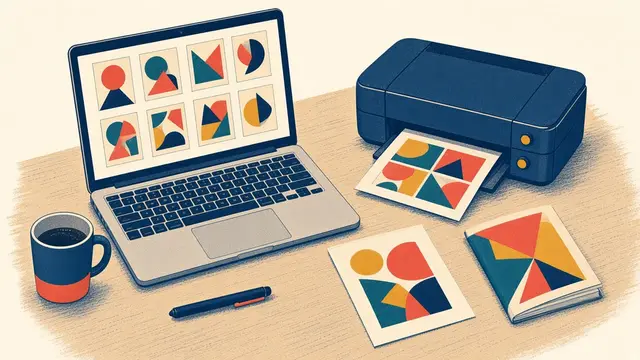
Laser printers are the best home zine printers: toner is sharp, waterproof and cheap per page, and it photocopies cleanly if you ever make copies of copies. Inkjets are fine for small runs and colour, but ink can smudge and soak through thin paper, so let pages dry fully before folding.
The one setting that ruins most first runs: duplex flip
When you print on both sides, the printer has to know how you will turn the sheet over.
- Flip on long edge is for portrait pages that turn like a book page.
- Flip on short edge is for landscape sheets turned left to right, which is what every booklet sheet is.
If your back pages come out upside down, you used the other flip. Change it and print again.
Printing double-sided without a duplex printer
- Print the fronts of all your sheets.
- Before you print the rest, take one printed sheet, draw a pencil arrow at its top edge and an X on the side facing up, and feed it back in.
- Print one back and see where it lands. Now you know which way your printer wants the paper.
- Write the result on a sticky note and tape it to the printer. You will need it every time.
- Reload the stack accordingly and print the backs.
Always print at Actual size
In the print dialog, choose Actual size or Scale: 100%. “Fit to page” and “Shrink oversized pages” scale your layout down by a few per cent and add white bands, which makes fold lines miss and pages drift. Our free templates include a scale bar so you can check with a ruler.
Booklet printing from a PDF
If you laid your zine out on a computer, you do not have to arrange the pages on the sheets yourself.
- Set your document’s page size to the finished zine page, for example 5.5 × 8.5 in or A5.
- Make sure the page count is a multiple of four.
- Export a PDF in normal reading order (1, 2, 3, 4…), with fonts embedded.
- Open it in a PDF reader that offers Booklet printing (Adobe Acrobat Reader does, for example). Choose booklet, both sides, binding on the left, on Letter or A4 paper.
- Print one copy, fold it and check it.
The reader imposes the pages onto sheets in the right order and prints them double-sided. Copy shops can do the same: give them the reading-order PDF and ask for a saddle-stitched booklet.
At the copy shop
For 20 copies or more, a copy shop is usually faster and cheaper per copy than a home printer. Self-service machines are straightforward once you know the panel.
- Original type: Text for line art and lettering, so blacks stay solid; Photo for photographs, so greys keep their detail.
- Darkness: one or two steps darker than normal if your art is light.
- Reduce/enlarge: 100% for masters drawn at size. 129% enlarges a half-letter page to fill Letter; 77% does the reverse. From A4 to A3 is 141%.
- Sides: “1 → 2 sided” turns single-sided masters into double-sided copies. Choose the flip that matches your layout.
- Paper: Letter, A4, Tabloid or A3, loaded the same way as your masters.
A copy-shop run that goes right
- Bring your masters flat in a folder, a folded dummy, the page map and payment. Plan for 10% spare copies.
- Check the machine: paper loaded, glass clean.
- Copy one test set double-sided. Fold it and check page order, orientation and darkness against your dummy.
- Adjust and test again until it is right. Write the final settings on the folder for next time.
- Run the edition in batches of 20 to 25. Fan the paper before loading and check every tenth copy.
- Keep sheets in order with a coloured slip between batches and between the different sheets of a booklet.
- Collect your masters from the glass and the document feeder before you leave. This is the most common copy-shop loss.
What a copy really costs
Work out the cost per copy before you set a price. The formula is simple:
Cost per copy = (printed sides × price per side) + extra paper or card + staples or thread + envelope or bag
A 16-page half-letter zine uses four sheets printed on both sides, which is eight printed sides. Multiply by your local per-side price, add the cover and binding, and you have your cost. Copy-shop prices vary a lot between cities and countries, so ask for the current rate and whether there is a bulk discount for 100 copies or more.
The free edition checklist and cost sheet has a fill-in worksheet with a worked example, and the selling guide covers how to turn that cost into a fair price.
Paper for print runs
- Inside pages: 20–24 lb bond (75–90 gsm) copy paper. Cheap, folds well, runs through every machine. Coloured copy paper changes the mood for almost nothing.
- Covers: 65–80 lb cover stock makes a zine feel finished. Check the machine’s maximum weight first, and keep the grain parallel to the spine so the fold is clean.
The paper and sizes guide explains weights, grain and every common sheet size.
Risograph printing
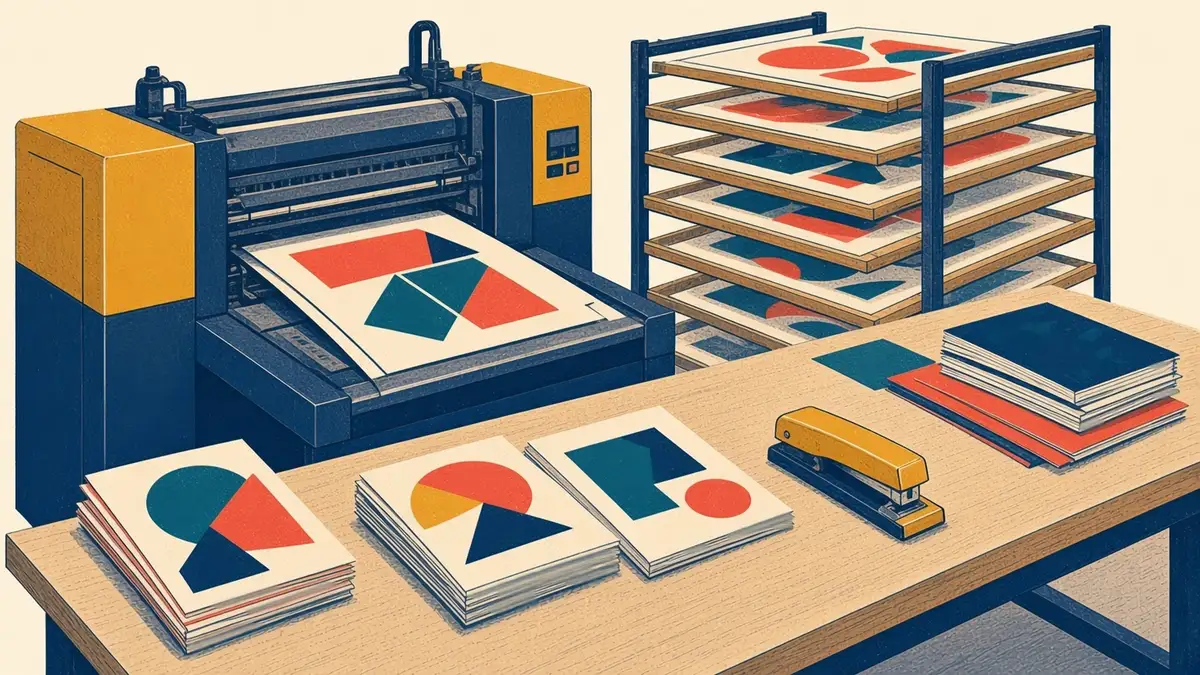
A risograph is a stencil duplicator. It burns your master into a thin stencil, wraps it around an ink-filled drum, and presses paper against it. It prints fast and cheaply in bright, slightly grainy soy-based inks, one colour per pass, which gives riso zines their distinctive look.
Each colour needs its own separation: a black-and-white master showing only what prints in that colour. Overlapping colours mix to make new ones. Registration is never perfect (expect a millimetre or two of shift), so avoid fine detail that has to line up exactly between colours, and overlap colour edges slightly.
Many community print studios and zine shops offer riso printing or open-access sessions. Search for “risograph” plus your city.
Before you print the whole run
- The pencil test passes: pages in order and right way up.
- The page count is a multiple of four (or exactly eight for a one-sheet zine).
- Everything important is inside the safe area.
- Scale is 100%, and the duplex flip matches your layout.
- One test copy has been printed, folded, bound and read through.
Go further
The Imposition Cheat Sheets give you every page order for 8, 12 and 16-page booklets on one page each, ready to pin above the printer. The Complete Zine Making Handbook adds a full copy-shop project, a two-colour riso-style zine you can make with or without a risograph, and a troubleshooting table for every printing problem.
Frequently asked questions
How do I print a zine double-sided?
Lay out each sheet landscape with two pages per side, then print double-sided with flip on short edge, at 100% scale. Without a duplex printer, print all the fronts, put the stack back in the tray the right way round, and print the backs. Test one sheet first and mark its top edge in pencil.
Should I flip on long edge or short edge for a zine?
For a booklet printed two pages per side on a landscape sheet, choose flip on short edge. Flip on long edge is for portrait pages turned like a book page. If your backs come out upside down, you used the wrong one.
How do I print a zine from Canva or another app?
Design the pages at the finished zine size in reading order, export a PDF, then open it in a PDF reader and choose the Booklet print option, which imposes the pages onto sheets and prints them double-sided. Check that scaling is off or set to 100%.
How much does it cost to print a zine?
Cost per copy is the number of printed sides multiplied by your local price per side, plus any cover stock, staples or thread, and an envelope or bag. A 16-page half-letter zine uses four sheets printed both sides, which is eight printed sides. Copy-shop prices vary widely, so ask for your local rate and any bulk discount.
What paper should I print a zine on?
Use 20–24 lb bond (75–90 gsm) copy paper for inside pages: it is cheap, folds well and runs through every machine. For covers, 65–80 lb cover stock looks finished, but check the printer's maximum paper weight first.